

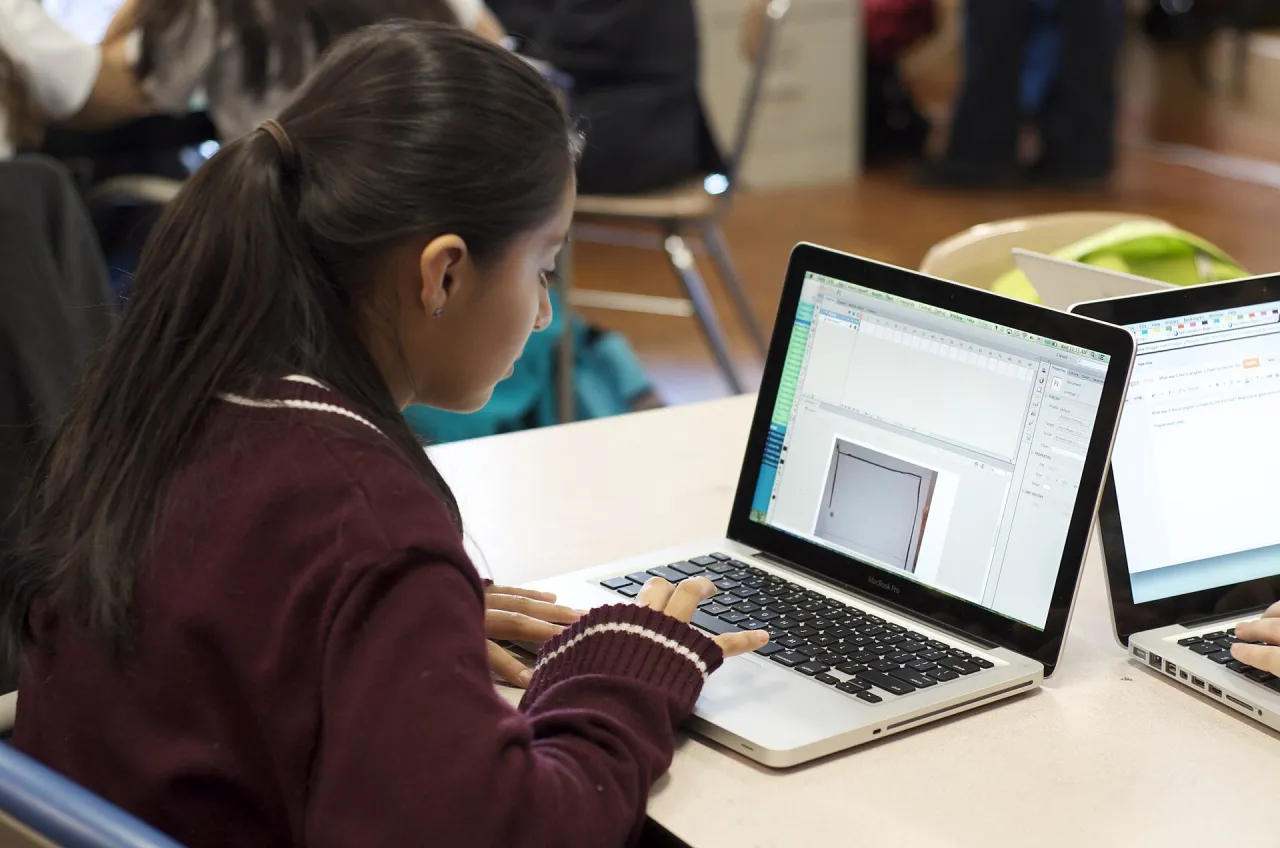
A beautiful website can still frustrate the person trying to use it. A learner tapping tiny menu links on a phone, a parent struggling to read a form, or a visitor unsure whether a button worked may simply leave. A website usability test helps a beginner discover these problems before thinking about extra animations or colours.
Featured image: KAB2013 · CC BY-SA 3.0 · Source
You do not need to own a company website to practise. Choose a site that belongs to you, a permitted training mock-up or an openly accessible public information page; do not submit real customer data or attempt to access restricted features. These exercises are illustrative and not claims that a particular Nigerian website has defects.
Start with the person and one practical task
Instead of asking whether a page ‘looks good’, decide what somebody should be able to do. It might be finding the contact details, identifying a course subject, reading a service description or locating the next step in an enquiry. Write one task in ordinary language without telling the tester where to click.
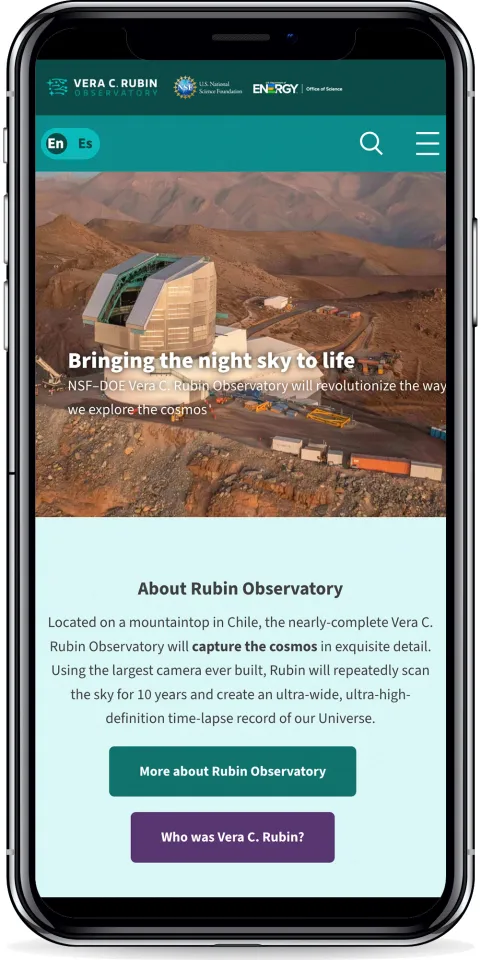
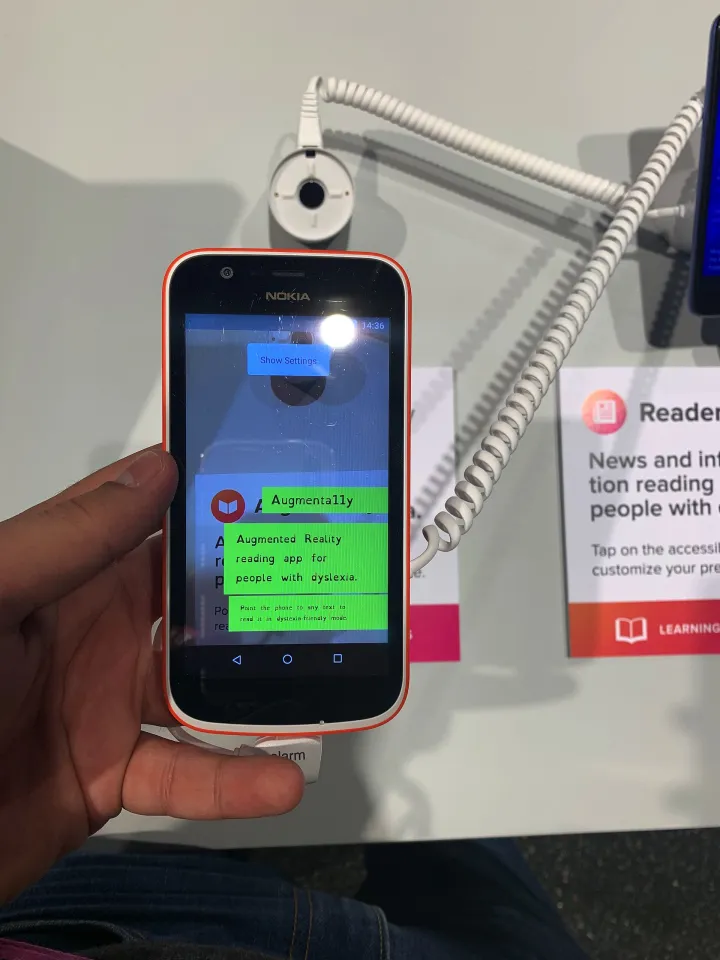
UNESCO’s inclusion in education work explains why varied learner circumstances matter. The UNESCO digital education resource similarly places technology within real education needs. A website exercise should therefore consider visitors with different devices, experience levels and access needs, rather than assuming everyone sees and uses a page exactly as its designer does.
Test on a small phone screen first
Open the page on a phone or narrow browser window. Can you find the main purpose without zooming? Are menus and buttons separated enough to tap comfortably? Does a message hide important content? Rotate the screen or increase text size and observe what changes. Record the device or approximate width used so that somebody else can reproduce the issue.
Illustrative example: A course-information page shows the heading clearly on a laptop, but a floating contact icon covers the registration guidance on a small phone. Describe which content is covered and capture a screenshot of the mock-up. Your recommendation might be to move the floating control or change the layout, not simply ‘make it modern’.
Read and navigate without relying on colour alone
Look for headings that tell the reader what each section contains, links whose purpose is recognisable, and text that is still understandable when images are hidden. A red warning or green confirmation needs words as well as a colour change. Check whether a visitor can tell that a form was accepted or needs correction.

If you can, try navigating with a keyboard: Tab should move through useful interactive controls in a sensible order. Do not claim that passing a few checks proves full accessibility. A thorough accessibility audit requires more comprehensive methods and often specialist participation. The beginner’s aim here is to notice common obstacles and learn how to describe them.
Make your test questions neutral
Give a willing tester a task such as ‘Find information about a training topic and show me where you would enquire.’ Avoid pointing at the right link or correcting mistakes while they explore. Watch where the person hesitates and ask what they expected to happen after they finish. Obtain permission before recording a screen or quote.
Illustrative example: Two volunteers both scroll past a heading because it resembles an advertisement. That observation is useful but cannot establish how all visitors will behave. Separate what you saw from what you think caused it. A small observation is a clue for a revision, not a statistically representative user study.
Record problems in a fixable format
Create a table with page name, device, task, observed problem, likely effect, proposed fix and review status. Describe behaviour rather than labelling people as confused. ‘Contact button is hidden below the footer on a narrow screen’ is more actionable than ‘users are not smart enough.’
Prioritise issues that prevent someone finishing an important task. A broken enquiry button deserves attention before a slightly uneven decorative element. Some fixes will require developer support, but a clear issue report is still valuable work for a learner. Before publishing screenshots, remove names, phone numbers, form entries and any private information.
Apply improvements and test the same task again
Correct one or two issues on a permitted training page, then repeat the original task. Keep the first and revised versions so you can explain what changed. Do not alter a live third-party website without permission. If you do not control the site, write a respectful recommendation rather than trying to change it.
The International Labour Organization’s guide to digital and blended training discusses designing learning processes rather than merely adding digital devices. That offers a useful parallel: a good learning website should help the learner complete the intended activity, not just show off technology. Apply that idea without presenting this institutional guide as a website design specification.

Connect the exercise to an actual learning resource
G-Learning Center lists Website Designing (Full Course), which discusses user-friendly website pages. You can use the usability test as a companion practical exercise: after studying page structure, test whether a visitor can understand and navigate your own example.
For a different perspective, Digital Entrepreneurship and Business Model can help you think about why an organisation needs a clear customer journey. Course pages should be checked for current details; neither link implies enrolment, a fee or a credential guarantee.
Present findings without exaggerating them
Finish with a one-page summary: what task was tested, on which device, what you observed, the most important recommendation, and what improved in the follow-up. If the second test still fails, say so and keep working. The value comes from accurate observation, not a perfect-looking report.
An honest website usability test teaches an important digital skill: putting the visitor’s experience ahead of your assumptions. Begin with one page and one real task, document the results carefully, and let each revision answer a problem you actually found.