

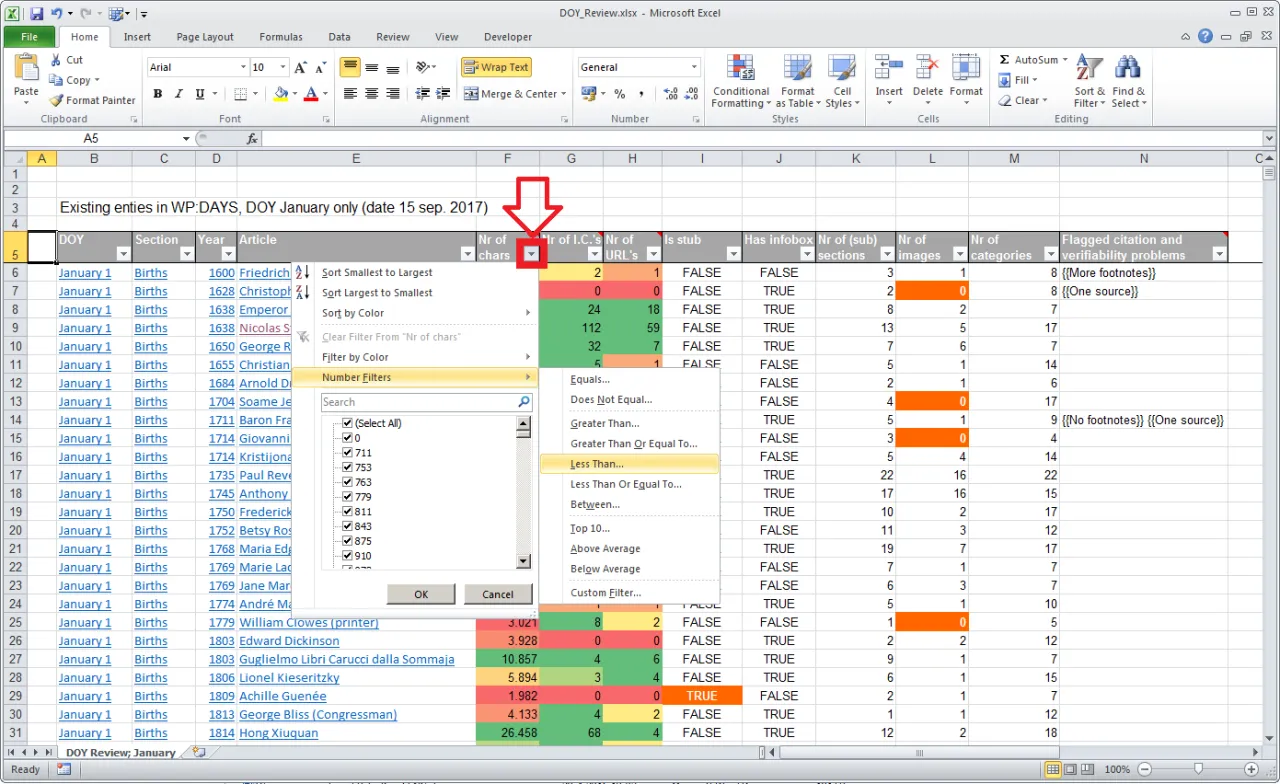
A spreadsheet may look tidy while giving the wrong answer. One copied formula pointing to the wrong cell can change a budget, attendance record or learning exercise without producing an obvious error message. A spreadsheet formula audit gives beginners a repeatable process for checking how a sheet calculates results.
Featured image: Mill 1 · CC BY-SA 4.0 · Source
This exercise uses imaginary data and a practice worksheet. It does not certify financial statements or replace a professional audit. The goal is to learn how to trace information from the original inputs to the displayed totals.
Make a small practice sheet
Create a table for a fictional study club with date, activity, amount collected and amount spent. Include at least five rows. Label every value as illustrative. Add separate totals for income and expenses, then a final difference. Save an untouched copy before deliberately adding errors for practice.

Illustrative example: Five sample receipts total ₦25,000. A cell displays ₦20,000 because a formula accidentally leaves out the final row. The error is not visible from cell formatting; learners must compare the formula’s range with the actual entries.
Check the data before checking formulas
Look for numbers entered as text, missing dates, unexpected blanks, duplicate rows and inconsistent currency units. Confirm that each amount belongs to the correct column. A correct formula cannot fix information that was entered inaccurately. Write what you observed rather than silently editing the sheet.
UNESCO-UNEVOC’s digital competence frameworks describe ways digital capabilities are framed for learners and citizens. Understanding and checking digital work is part of responsible practice; the source is not being cited as a specific spreadsheet certification standard.
Trace a total back to its inputs
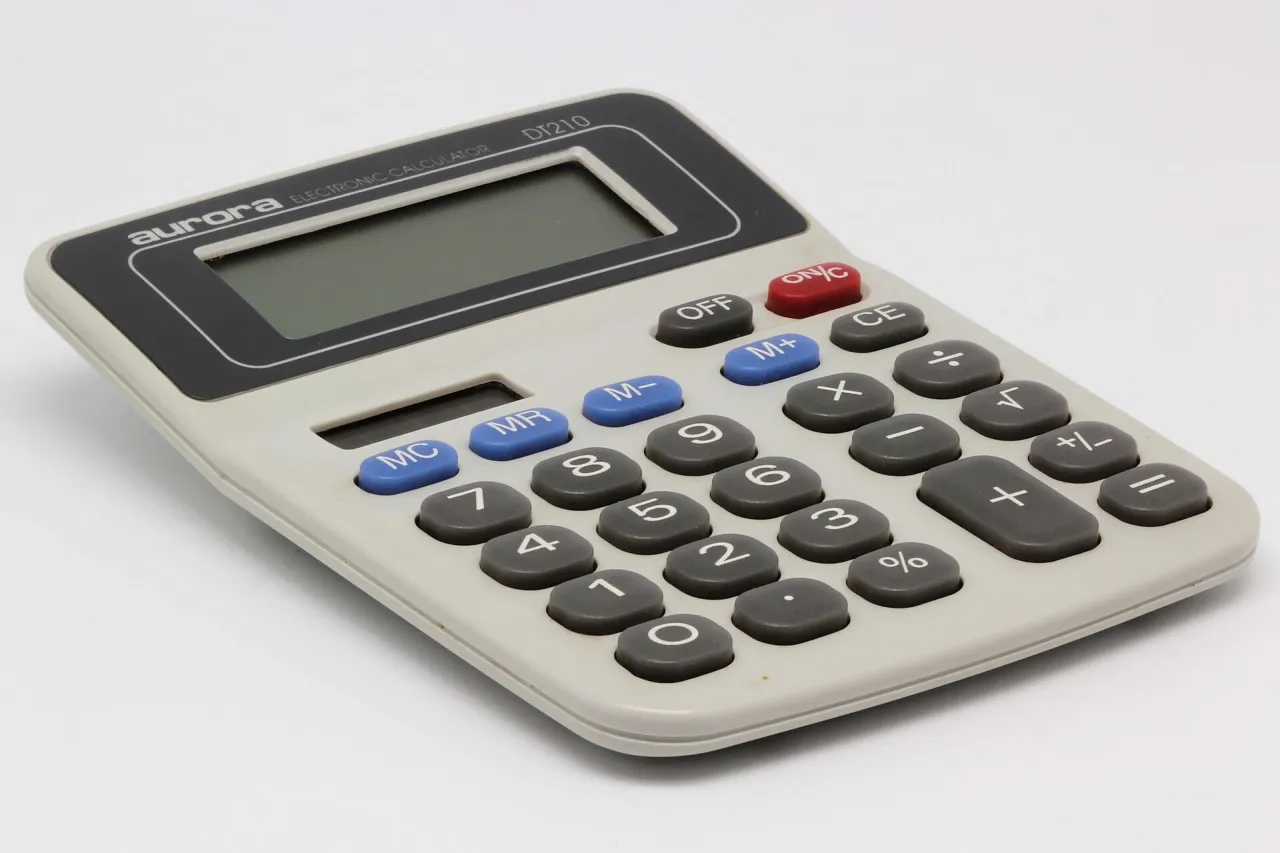
Select the total cell and read its formula. Identify the first and last referenced rows. Ask whether newly inserted rows are included. Check whether a copied formula changed references in a way you intended. When appropriate, compare the result with a simple manual calculation or calculator.
Illustrative example: A trainee copies a percentage formula to a new column and notices the denominator moved. The percentage now looks plausible but is wrong. The learner should inspect the cell references, explain whether a fixed reference is needed and verify the corrected result against sample numbers.
Test the sheet with deliberate changes
Change one sample entry to a new number and watch which totals move. Add a new row, then remove it. Test the effect of an empty cell. These controlled exercises help reveal hidden assumptions without affecting a real organisation’s records. Keep notes about which tests passed and what needed correction.
The UNESCO digital education resource discusses technology in learning. A practical audit exercise applies a simple learning principle: interacting with a tool and reflecting on results is more meaningful than only copying formulas from a demonstration.

Make checks understandable to another learner
Write a short verification table containing the cell checked, expected behaviour, observed behaviour, outcome and fix. Describe the issue without implying the software was at fault when the original formula was mistaken. Compare your method with a classmate’s and note any step they could not reproduce.
Illustrative example: A row says ‘Total expenses: expected to increase by ₦500 after editing cell D6; increased by ₦500; passed.’ Another says ‘New expense row ignored by sum range; formula corrected; retest passed.’ These examples show testing records, not evidence from a real business.
Learn safely on limited equipment
If you only have access to a shared computer, use made-up data and sign out afterwards. Avoid uploading private records to unapproved online tools. When connectivity is unreliable, prepare the table and review notes locally, then share only authorised final work.
The ILO guide to digital and blended training describes structured approaches to digitally supported skills development. Learners can apply the same thoughtful planning to simple spreadsheet practice, without claiming the guide provides detailed formula rules.
Connect checking skills to existing courses
G-Learning’s Effective Cash Management Techniques and Managing a Successful Business are existing course resources. A fictional spreadsheet exercise can complement these subjects, provided it is not presented as their official examination.
Finish with a short explanation of how you identified and corrected at least two issues. State what you still do not understand and ask an instructor for help rather than inventing a formula.
What a finished audit demonstrates
A useful spreadsheet formula audit should show an original sample worksheet, documented tests, corrected calculations and a clear note about remaining limitations. The work is not finished merely because every cell is coloured neatly.
Learning to question a result and reproduce its calculation is valuable across administration, education and business. Start with a small fictional table, make your checks repeatable, then build complexity only after the method is reliable.